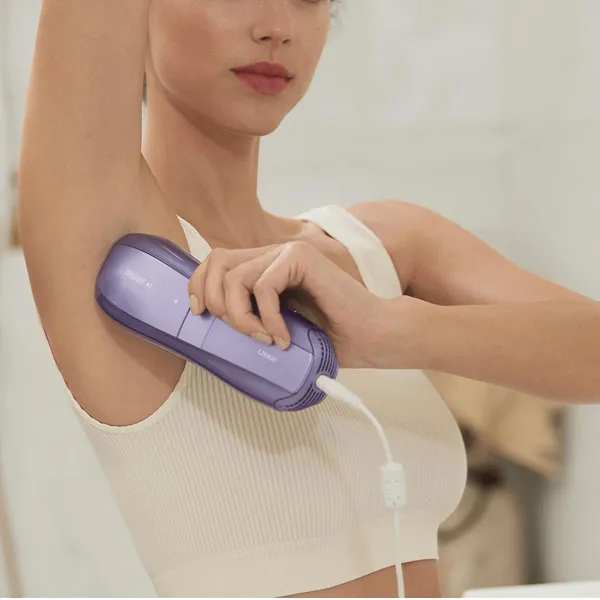
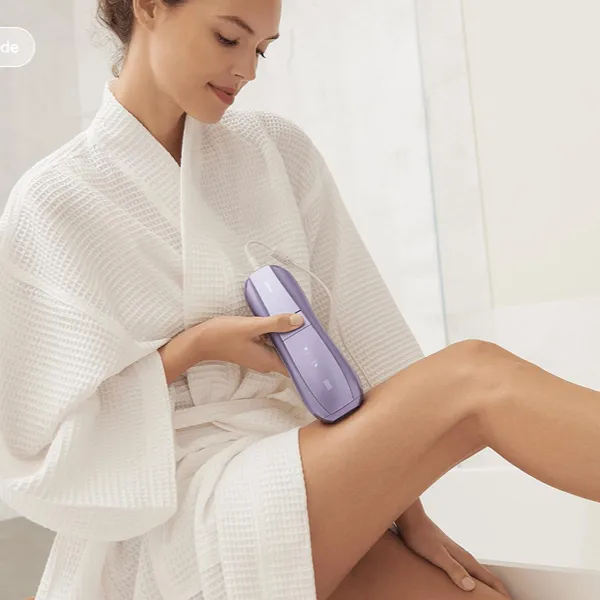
If your Ulike Air 10 is not flashing, do not assume the device is broken right away. If your Ulike Air 10 is not flashing, do not assume the device is broken right away. First check whether the treatment window is fully against clean, dry skin and whether the device is powered normally. In Fast, Normal, and High modes, the SkinSensor may also prevent treatment if the detected skin tone is too dark. Start by testing it on clean, dry, flat skin before trying the same spot again.
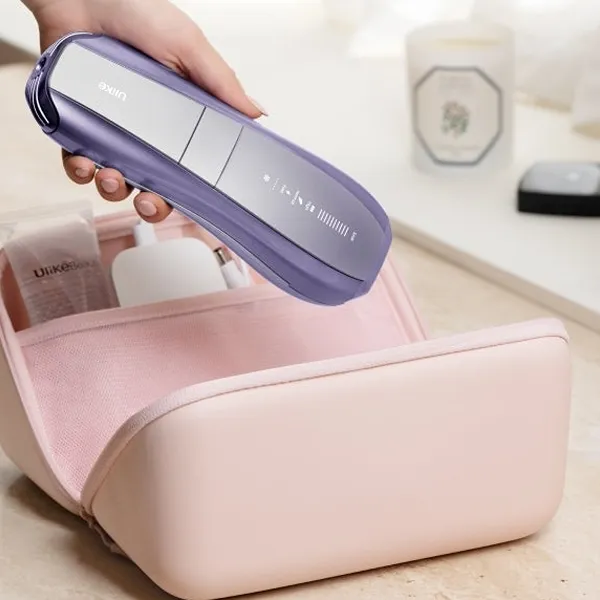
Why is my Ulike Air 10 not flashing?
The Ulike Air 10 requires proper skin contact before it can flash. In Fast, Normal, and High modes, its SkinSensor also checks the detected skin tone and may prevent treatment if the area is outside the supported range. SHR mode does not include skin color detection, so skin suitability must be confirmed before using that mode.
The treatment window is not fully touching the skin
The treatment window needs to sit flat against the skin before the flash can trigger. A small lifted corner is enough to stop it, especially on the shin, knee, jawline, or underarm where the surface is uneven.
Try holding the handset still for a second instead of sliding it quickly. If it flashes when you press it flat on a broader area, contact was likely the issue.
The treatment area is too dark for IPL
In Fast, Normal, and High modes, the Ulike Air 10 SkinSensor checks the skin tone in the treatment area and may prevent a flash if the detected skin tone is too dark for treatment. Your overall skin tone may be suitable while a particular area is darker and does not pass the sensor check.
Common examples include naturally darker areas such as the underarms, bikini line, knees, and elbows, as well as recently tanned skin. If the SkinSensor repeatedly prevents flashing on an area, do not keep trying to force a flash.
SHR mode does not include skin color detection, so do not switch to SHR simply to bypass a no-flash response from the SkinSensor. Only treat areas that are suitable according to the device's skin-tone and treatment guidance.
Do not flash directly over tattoos or dark pigmented areas
Do not use the Ulike Air 10 directly over tattoos or dark brown or black pigmented areas that the product guidance identifies as unsuitable for IPL treatment. Do not rely on whether the device flashes or refuses to flash as a safety test for these areas.
Fast, Normal, and High modes include skin color detection, but SHR does not. A device being able to flash over a spot does not mean that the spot is suitable for treatment.
The treatment area is too curved for full contact
Curved spots are tricky because the window may look close to the skin while one edge is still floating. Ankles, knees, fingers, underarms, and the jawline are common places where this happens.
For a small curved area, rotate the handset and treat in smaller sections. For a larger flat area, such as the outer leg, you should not need as much adjustment.
The device is not powered correctly
A loose cable or weak outlet can make the device appear partly active without behaving normally. Check the wall plug, adapter, and handset connection before assuming the sensors are the problem.
If you are using a power strip, test a direct wall outlet. If the handset, adapter, or power cord becomes abnormally hot, damaged, deformed, or produces a burning smell or unusual noise, stop using the device, unplug it, and contact Ulike support rather than trying it again.
How to fix a Ulike Air 10 that will not flash
Work through the checks in a sensible order: power first, then skin condition, then contact, then the specific treatment area. Repeating the same failed flash on the same spot usually tells you very little.
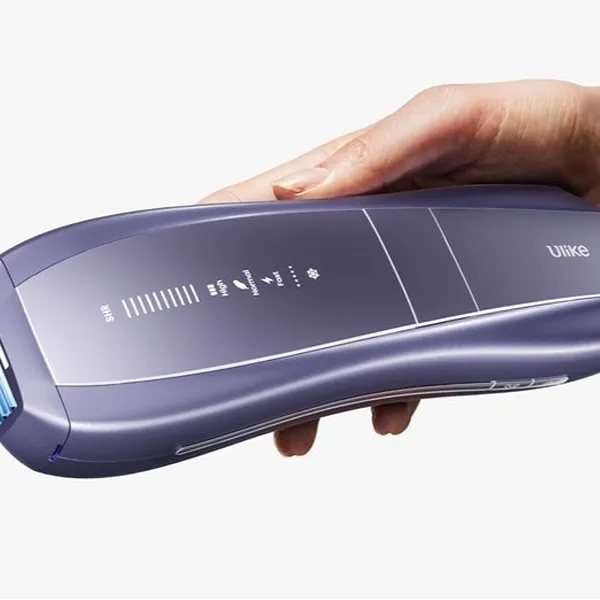
Make sure the device is powered on
Confirm that the device starts normally and the indicator lights respond as expected. If nothing lights up, focus on the outlet, plug, adapter, and cable before troubleshooting skin contact.
Keep the treatment area clean and dry
Sweat, lotion, oil, sunscreen, and skincare residue can make the window slip or interfere with a clean reading. Wash or wipe the area, dry it fully, and avoid testing right after a workout or after applying body products.
This is especially relevant for underarms and bikini areas, where moisture and product buildup are more common than on the forearm or lower leg.
Place the treatment window flat against the skin
Set the sapphire window evenly on the skin and hold it steady. Use firm contact, but do not press so hard that the handset tilts.
- Good sign: it flashes on a flat area when held still.
- Problem sign: it only fails when one edge cannot sit flush.
- Common mistake: moving too quickly before the sensor has a stable reading.
Reposition the device on curved areas
On curved areas, small changes make a big difference. Rotate the device, stretch the skin lightly with your free hand, or move to a nearby flatter section.
For example, an underarm may need shorter, careful placements instead of one smooth pass. A knee may work better when the leg is positioned so the skin is less rounded.
Test it on another suitable treatment area
This is the most useful check if you are unsure whether the handset is faulty. Test on a clean, flat, lighter area that fits the device's treatment guidance.
If it flashes there, the device is likely fine and the first spot is probably too curved, too dark, damp, or close to pigment. If it does not flash anywhere suitable, the problem is more likely with the device, power connection, or sensor.
Check the power connection
Use a short power check rather than repeatedly pressing the flash button:
- Unplug the device and reconnect each connection firmly.
- Look for bent, loose, cracked, or unusually warm parts.
- Try a direct wall outlet instead of an extension cord or power strip.
If the handset, adapter, or power cord becomes abnormally hot, shows visible damage, smells burnt, or behaves unusually, stop using the device and contact Ulike support. Do not simply cool it down and continue testing.
How does Ulike Air 10 decide when to flash?
The device does not flash just because it is switched on. Full skin contact is required before flashing. In Fast, Normal, and High modes, the SkinSensor also checks the detected skin tone and can adjust the output or prevent treatment when the area is outside the supported range. SHR mode does not include skin color detection.
Full skin contact activates the contact sensor
The contact sensor helps prevent accidental flashes into open air. Broad, flat areas are easier for it to read, while narrow or rounded areas need more careful placement.
SkinSensor checks the skin tone
In Fast, Normal, and High modes, the SkinSensor checks the skin tone in the treatment area rather than relying only on your overall complexion. A darker area may therefore be treated differently from a lighter area.
SHR mode does not include skin color detection, so do not rely on the device to automatically reject unsuitable skin when using SHR.
Energy adjusts automatically in Fast, Normal, and High modes
In Fast, Normal, and High modes, Air 10 can automatically adjust the treatment energy according to the detected skin tone. Automatic skin-tone adjustment has limits and does not mean every area is suitable for IPL.
SHR mode operates without skin color detection, so skin-tone suitability must be confirmed before using it.
In Fast, Normal, and High modes, if the SkinSensor detects a skin tone that is too dark for treatment, the device may prevent the flash rather than simply lowering the output.
Do not rely on a blocked flash to identify unsuitable areas
In Fast, Normal, and High modes, the SkinSensor may prevent treatment when the detected skin tone is outside the supported range. However, tattoos and dark pigmented areas should be avoided according to the device guidance rather than tested to see whether the handset will flash.
Do not use a successful flash as proof that a dark or pigmented area is safe to treat, especially because SHR mode does not include skin color detection.
Why does Ulike Air 10 flash on some areas but not others?
Different body areas give the sensors different conditions. Shape, pigment, moisture, and how firmly the window sits on the skin can all change from one spot to the next.
Curved areas can prevent full contact
Curved areas often fail because the treatment window cannot sit evenly. The issue is not always visible, so do not rely only on how close the device looks to the skin.
Use a slower pace, smaller sections, and light skin stretching. If that fixes it, you are dealing with placement rather than a broken flash.
Darker skin areas may trigger the SkinSensor
In Fast, Normal, and High modes, naturally darker areas such as the underarms, bikini line, elbows, or knees may produce a different SkinSensor response from lighter areas.
If the SkinSensor consistently prevents flashing on a darker area, do not repeatedly retry it or switch to SHR simply to bypass the skin-tone check. SHR does not include skin color detection. IPL safety matters more than covering every small patch.
Avoid tattoos and dark pigmented areas
Do not flash directly over tattoos or dark pigmented areas that are excluded by the device instructions. Keep the entire treatment window away from the pigmented area rather than testing whether the SkinSensor will block the flash.
A successful flash does not mean a tattoo or dark pigmented spot is safe to treat.
Suitable flat areas are easier for the sensor to detect
Flat, clear areas make troubleshooting much easier because they remove several common problems at once. If the Ulike Air 10 flashes on a suitable forearm, calf, or thigh area, the handset is probably responding normally.
If it fails even there after checking power and placement, that is when the issue starts to look less like technique and more like a device problem.
When should you contact Ulike support?
Contact Ulike support when the device fails after you have ruled out the usual causes: poor contact, unsuitable skin area, visible pigment, damp skin, and unstable power. At that point, more home testing is not likely to give you a better answer.
Before you reach out, note what the lights do, which areas you tested, whether the device powers on normally, and whether anything looks damaged.
The device still does not flash with full skin contact
If the treatment window is flat on clean, dry, suitable skin and the device still refuses to flash, support is reasonable. This is especially true if it used to work on the same area and your technique has not changed.
It does not work on a suitable test area
A failed test on flat, clear, appropriate skin is one of the strongest signs that the problem may not be the treatment area. If the device and its power components appear normal and undamaged, reconnect the power and test once more on clean, dry, suitable skin with full contact. If it still does not flash, contact Ulike support.If the handset, adapter, or power cord is abnormally hot, damaged, deformed, or produces a burning smell or unusual noise, do not retest it. Unplug the device and contact support.
The device does not power on normally
No lights, random shutdowns, flickering indicators, or inconsistent startup point more toward an electrical issue than a skin-sensor issue. Test another outlet if you can, but do not keep restarting a device that behaves unpredictably.
The treatment window or device appears damaged
Stop using the device if the treatment window is cracked, the casing is loose, the cable is damaged, or you notice a burning smell or unusual heat. With an IPL device, visible damage is not something to work around at home.
Conclusion
A Ulike Air 10 that will not flash is usually telling you to check the setup, not immediately proving that the device has failed. Start with the simple test: clean, dry, flat skin, full window contact, and a secure power connection. If it still will not flash on a suitable test area, stop guessing and ask Ulike support to check whether the sensor, adapter, or device needs attention.