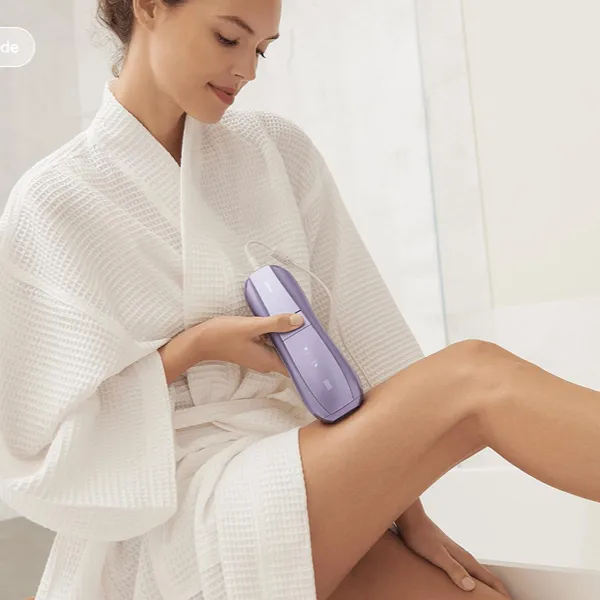
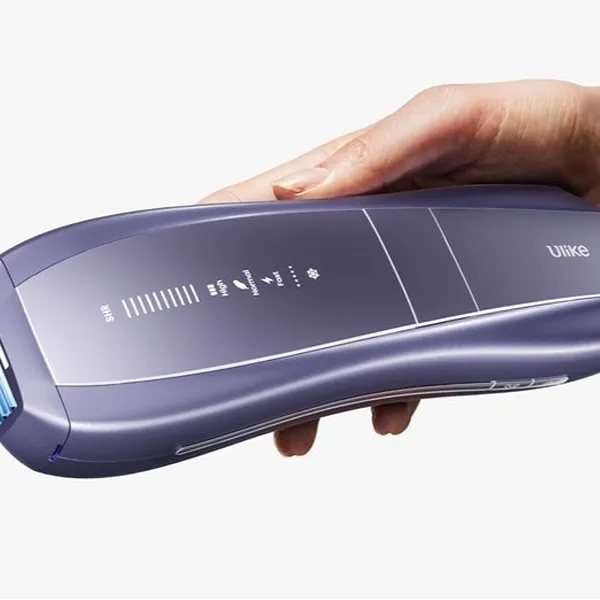
If you are wondering how to clean Ulike Air 10, keep the routine simple: power it off, let it cool, wipe the body with a soft dry cloth, clean the flash window gently, and store it somewhere dry. The main thing to avoid is forcing moisture, rough fabric, or strong cleaners onto parts that are meant to stay clean but delicate.
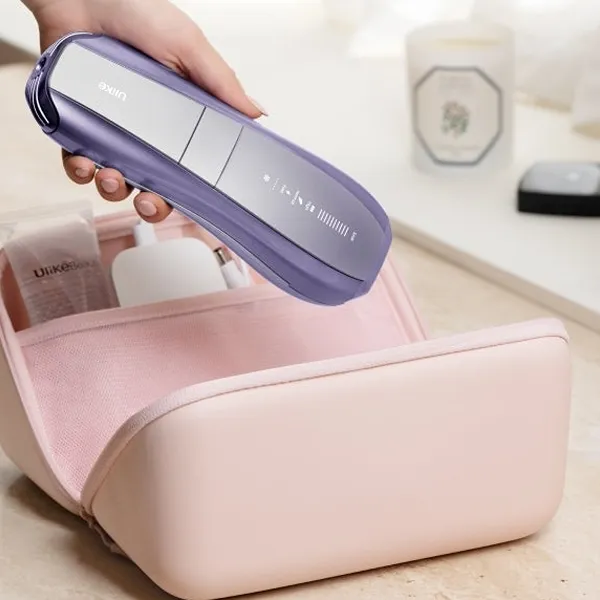
How to clean Ulike Air 10
The safest cleaning routine is light and consistent. You do not need to scrub the device after every session; you just need to remove fresh oil, lint, and product residue before they sit on the treatment head or flash window.
Use a soft microfiber cloth for the body and a clean section of cloth for the flash window. A dry cotton swab can help around edges, but avoid pushing into seams, buttons, or the charging connection.
Turn off and cool the device
Start by switching the device off, unplugging it, and waiting until the treatment head no longer feels warm. Cleaning a warm IPL device can smear residue across the window and makes accidental handling more likely.
Wipe the device surface gently
Use a dry microfiber cloth on the handle, shell, and grip area. Light strokes are enough for fingerprints and skin oil; pressing harder usually adds risk without making the device much cleaner.
- Use dry cloth first.
- Keep moisture away from seams and buttons.
- Do not use paper towels or rough cleaning pads.
- Lift dust away instead of rubbing it in circles.
Clean the flash window carefully
The flash window needs the most cautious touch because it is the part you rely on during treatment. Wipe it like a camera lens: clean cloth, light pressure, and only one or two passes before checking it in good light.
Store the device after drying
After wiping, leave the device on a clean dry surface for a few minutes before putting it away. This matters most if you used even a barely damp cloth on the outer shell, because hidden moisture around seams or the charging area is not worth risking.
Why cleaning Ulike Air 10 matters
Cleaning is not only about making the device look neat. It helps you keep the treatment surface clear, notice damage earlier, and avoid letting old residue become harder to remove.
This is especially useful if you use body lotion, sunscreen, shaving gel, or oil at other times of the day. Even when your skin feels dry, a thin film can transfer to the treatment head and make the next session feel less clean.
Keep the treatment window clear
A clear treatment window is easier to inspect before use. If you can see the surface properly, you are less likely to confuse a removable smudge with a scratch or a damaged area.
Maintain consistent IPL performance
A clean treatment head helps the device sit more predictably against the skin. It does not mean cleaning will fix every performance issue, but it removes one common source of doubt: residue blocking your view or making the head feel sticky.
Prevent dust and residue buildup
Fresh residue is easy to remove; old residue usually tempts people to scrub. That is the mistake to avoid, especially around the flash window.
- Skin oil: usually collects on the grip, buttons, and treatment head.
- Product film: often comes from lotion, sunscreen, shaving gel, or body oil.
- Lint and dust: commonly come from towels, drawers, open shelves, and fabric pouches.
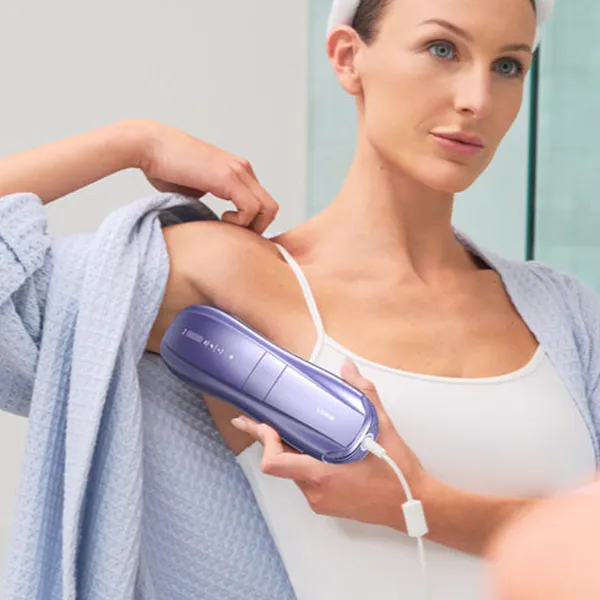
Ulike Air 10 cleaning steps
A practical cleaning routine should move from the least delicate areas to the most important checks. That way, you avoid dragging dust from the handle onto the flash window and you finish by spotting anything that should stop you from storing or using the device.
- Turn the device off, unplug it, and let it cool.
- Wipe the outer shell with a dry microfiber cloth.
- Clean the flash window with a clean section of cloth.
- Lift residue around edges with a dry cotton swab.
- Check for damage, moisture, or dirt before storage.
Clean the outer surface
Start with the handle, sides, and back of the device. These areas are less delicate than the flash window, so they are the best place to remove fingerprints, hand oil, and dust first.
If a mark does not come off right away, repeat gently rather than scrubbing. For normal post-session cleaning, a dry cloth should do most of the work.
Wipe the flash window
Use a clean, soft cloth and wipe the flash window lightly. Hold the device under good lighting afterward so you can see whether the surface is actually clean or whether the mark is something that needs attention.
Remove residue around edges
The edges around the treatment area can trap dried product and lint. A dry cotton swab works well here, but use a rolling motion along the edge instead of poking into small gaps.
Check for damage before storage
Before putting the Ulike Air 10 away, look at the flash window, treatment head, buttons, shell, and charging connection. You are checking for four things: moisture, sticky residue, cracks or chips, and anything that looks loose or unusual.
This final check is more important after a longer session or if the device was used in a bathroom. If the charging area looks damp or dirty, do not charge or store it in a closed case until it is fully dry and clean.
Which parts need extra care
Different parts of the device need different levels of caution. The body can handle gentle wiping, but the flash window, treatment head, controls, and charging connection should never be treated like ordinary bathroom tools.
Flash window
The flash window is the part to handle most carefully. Use a soft cloth only, avoid rough materials, and stop cleaning if the surface looks damaged rather than dirty.
Treatment head
The treatment head sits close to the skin, so it often picks up product traces and lint. Wipe around it after cleaning the body, then inspect the border where residue tends to collect.
If you treat several body areas in one session, clean the head more carefully afterward. Longer contact usually means more oil and dust transfer, even when your skin was clean before starting.
Buttons and grip area
The buttons and grip area mostly need hygiene-focused cleaning. A dry cloth is usually enough, and a dry cotton swab can help around a button edge if residue is visible.
- Do not spray cleaner onto the controls.
- Do not press liquid into button seams.
- Clean the grip if it feels slippery before use.
Charging connection
Treat the charging connection as a dry-only area. Wipe around it gently, but do not insert a damp swab, cloth corner, or tool into the port.
How to store Ulike Air 10 properly
Good storage keeps the device cleaner between sessions and protects the parts you just cleaned. The best place is dry, clean, and away from steam, direct sunlight, and loose clutter.
Keep it in a dry place
A bedroom drawer, dressing table drawer, clean shelf, or protective case is usually better than a bathroom counter. The device does not need special storage, but it does need a dry place where the treatment window will not rub against other items.
Avoid humid areas
Bathrooms are convenient for grooming but poor for long-term storage. Steam from showers can settle on the device even if no water touches it directly.
If you prefer using the Ulike Air 10 in the bathroom, move it back to a dry room after it cools and has been wiped. That small habit reduces moisture risk and keeps the charging area safer.
Protect the treatment window
Store the device so the treatment window is covered or facing away from hard objects. Do not leave it loose in a drawer with chargers, razors, tweezers, or other items that could scratch or smudge the surface.
If you use a pouch or case, check that the inside is clean. A dusty case can put lint straight back onto the window after you have just cleaned it.
Store accessories neatly
Keep the charger and cord with the device, but do not wrap the cord tightly around the handset. Loose coils are easier on the cable and reduce the chance of connectors knocking against the treatment window.
- Keep the charger dry.
- Separate sharp or metal items from the device.
- Clean the storage pouch if it collects lint.
- Check the cord before plugging it in.
Conclusion
The best cleaning habit is the one you can repeat without overdoing it: cool the device, wipe it gently, protect the flash window, and keep moisture away from openings. If something looks like damage instead of ordinary residue, pause rather than scrub harder; careful handling is what keeps the Ulike Air 10 easier and safer to use over time.